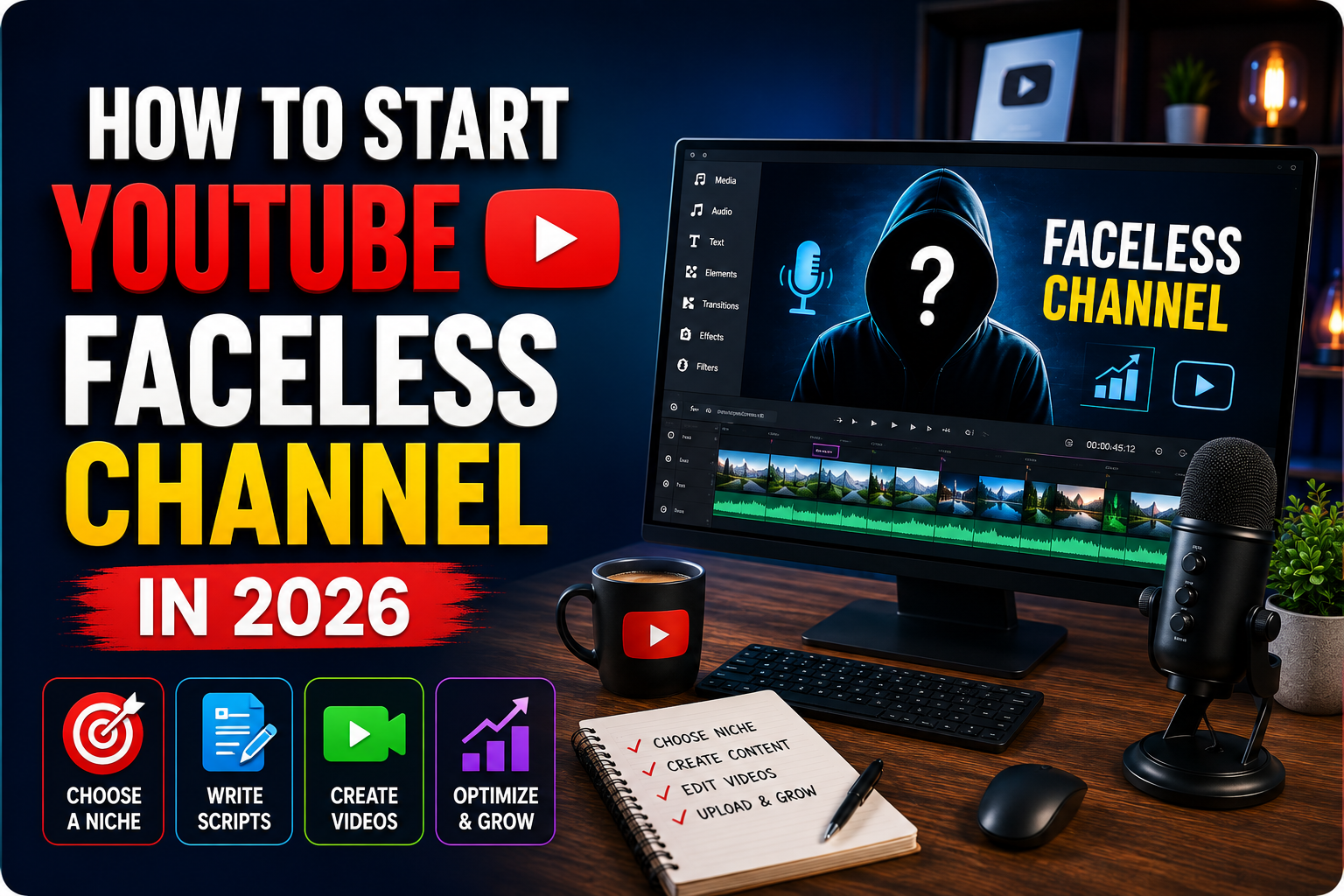
Learn how to start a faceless YouTube channel in 2026, choose a workable niche, create original videos, avoid copyright issues, and build a sustainable workflow.
You have probably seen channels getting thousands or even millions of views without the creator ever appearing on camera.
Some use animation. Others rely on narrated documentaries, screen recordings, stock footage, maps, charts, gameplay, tutorials, or simple illustrated characters.
That naturally raises a question: can you still start a faceless YouTube channel in 2026, or has the opportunity already become too crowded?
The short answer is yes, you can still build one. But the easy-looking version of faceless YouTube is misleading.
A successful faceless channel is not simply a combination of an AI-written script, synthetic voice, random stock footage, and a thumbnail. YouTube still has to see a video that people actually want to click, watch, and continue watching. Copyright, originality, monetization policies, production quality, and topic selection also matter.
If you are starting from zero, the best approach is to treat your channel like a small media project rather than an automated content machine.
Here is how to build one properly.
What Is a Faceless YouTube Channel?
A faceless YouTube channel is simply a channel where the creator does not regularly appear on camera.
That does not mean the channel has no personality.
Your personality can come through your writing style, narration, editing choices, humor, visual design, storytelling, research, or even the types of topics you cover.
Common faceless formats include:
- Educational explainers
- History documentaries
- Technology tutorials
- Animated stories
- Business and economics explainers
- Science videos
- Software tutorials
- Gaming commentary
- True-story documentaries
- Productivity videos
- Travel explainers
- Comparison videos
- Screen-recorded tutorials
- Stick-figure animation
- Data visualizations
The important distinction is that faceless does not mean low effort.
Removing the camera solves one problem: you do not need to film yourself. Everything else research, scripting, editing, visual storytelling, thumbnails, and audience retention still requires work.
Is Starting a Faceless YouTube Channel Still Worth It in 2026?
It can be, especially for people who are comfortable researching, writing, editing, designing, or organizing information but do not want to become an on-camera personality.
There are also practical advantages.
You can often produce videos from a laptop, work without a filming setup, outsource individual parts of production later, and create content that does not depend on your appearance.
The downside is competition.
Because AI tools have made scripting, voice generation, image creation, and editing more accessible, producing a basic faceless video is easier than it used to be.
That also means basic videos are less impressive.
A generic script combined with unrelated stock clips can now be produced by almost anyone. Your advantage has to come from better topic selection, stronger explanations, more useful research, better storytelling, clearer visuals, or a recognizable style.
That is the standard worth planning around.
Step 1: Choose a Niche You Can Actually Sustain
Beginners often choose niches based only on perceived earning potential.
That can cause problems surprisingly quickly.
Before choosing a niche, write down at least 20 potential video titles you could realistically produce using roughly the same format.
For example, suppose you are considering a science-explainer channel.
Your initial list might include:
- Why Humans Get Goosebumps
- What Would Happen If Earth Stopped Rotating?
- Why Some Animals Can Survive Being Frozen
- Why You Can Smell Rain Before It Starts
- What Happens to Your Body During Sleep?
- Why Humans Are Born So Helpless
If reaching 20 reasonable ideas feels difficult, imagine trying to reach 100.
A strong YouTube niche usually sits somewhere between being too broad and too narrow.
“Technology” is extremely broad.
“Tutorials for one obscure mobile app” may be too narrow.
Something like “simple explanations of useful AI and productivity tools” gives you more room while still attracting a recognizable audience.
Look for repeatable formats
The format is almost as important as the niche.
Ask yourself:
Can I produce most videos using the same basic workflow?
A history channel might use:
research → script → narration → archive images/maps → editing → thumbnail.
A software tutorial channel might use:
topic research → outline → screen recording → voiceover → editing → thumbnail.
Repeatability makes publishing easier because you are not rebuilding your production process every week.
Step 2: Decide What Makes Your Channel Different
You do not necessarily need a completely original topic.
You need a reason for viewers to choose your version.
Consider three hypothetical channels covering psychology.
Channel A makes ten-minute academic explainers.
Channel B explains psychology using animated stick figures.
Channel C focuses entirely on strange everyday behaviors, such as why awkward silences feel uncomfortable or why embarrassing memories suddenly return at night.
They are technically in the same broad niche, but their positioning is very different.
Your differentiator could be:
- A particular visual style
- Shorter explanations
- Deeper research
- Humor
- Calm storytelling
- Beginner-friendly language
- Unusual questions
- Strong animations
- Better examples
- A specific audience
Avoid making “AI-generated videos” your differentiator.
Viewers care about the result, not how quickly the production process was completed.
Step 3: Study Existing Channels Without Copying Them
Competitor research is useful when you study patterns instead of copying individual videos.
Find roughly 10 channels serving the audience you want.
Then examine:
- Which subjects appear repeatedly?
- Which videos perform noticeably better than the channel’s normal uploads?
- How are titles written?
- What is shown in thumbnails?
- How quickly does the video reach the main topic?
- How long are typical videos?
- How often are visuals changed?
- What questions appear repeatedly in comments?
Comments are especially useful because viewers often tell creators exactly what they want next.
You might see questions such as:
“Can you explain what happens when…?”
“Why does this happen?”
“Could you make a video about…?”
Those questions can become future topic ideas.
The goal is not to recreate a competitor’s script, thumbnail, branding, or narration. Learn what the audience responds to and then build your own format around that information.
Step 4: Build a Simple Production Workflow
A complicated workflow creates more opportunities to stop publishing.
For a typical narrated faceless channel, a practical production pipeline could look like this:
Topic → Research → Outline → Script → Voiceover → Visuals → Editing → Thumbnail → Upload → Review performance
Keep each step separate.
Trying to research, write, find visuals, and edit simultaneously usually slows the process.
Start with research
Do not write the script immediately after finding an interesting title.
Research the subject first.
For factual videos, prioritize trustworthy sources such as:
- Official government websites
- Universities
- Research organizations
- Original reports
- Product documentation
- Established publications
- Primary historical sources where appropriate
AI tools can help organize information, generate questions, or simplify difficult concepts, but they should not become your only source of factual information.
AI systems can confidently produce incorrect details.
Anything important enough to appear as a factual claim in your video is worth checking.
Step 5: Write Scripts for Listening, Not Reading
A YouTube script should sound natural when spoken.
Written language often becomes awkward when converted directly into narration.
Instead of writing:
“Human sleep represents an extremely complicated biological process consisting of multiple recurring physiological stages.”
You might write:
“Sleep looks simple from the outside. You close your eyes and several hours disappear. Inside your brain, however, a surprisingly complicated process has already started.”
Read difficult sections aloud before recording the voiceover.
If you run out of breath or the sentence sounds unnatural, rewrite it.
Give viewers a reason to keep watching
The opening should quickly establish the problem, mystery, promise, or question.
Avoid spending the first 30 seconds introducing your channel.
Compare:
“Hello everyone, welcome back to another video. Today we are going to talk about…”
with:
“Your phone can know your location even when GPS is not giving it a direct satellite position. So how does it actually find you?”
The second version reaches the viewer’s reason for clicking immediately.
Step 6: Choose Your Voice Strategy
You have three practical options.
Record your own voice
This remains one of the easiest ways to make a faceless channel feel personal without appearing on camera.
You do not need a broadcast-style voice.
Clear audio, comfortable pacing, and natural delivery matter more.
Hire a narrator
This can produce excellent results but increases production cost.
It makes more sense once you know your format is worth continuing.
Use AI voice generation
Synthetic voices have improved significantly and can be useful, but they should not be treated as a shortcut around good writing.
Even a realistic voice sounds awkward when reading robotic sentences.
If you use voice-generation software, review pronunciation, pauses, names, numbers, and emotional emphasis before publishing.
Also check the provider’s current commercial-use terms before using generated audio in monetized content.
Step 7: Create Visuals You Have the Right to Use
This is one of the most important parts of running a faceless channel.
Finding an image on Google does not automatically give you permission to use it in a video.
Depending on your format, visuals may come from:
- Your own screen recordings
- Original illustrations
- Licensed stock footage
- Licensed photographs
- Public-domain material
- Creative Commons material used according to its license
- Original charts
- Animations
- AI-generated visuals
- Maps you have permission to reproduce
- Screenshots used within an appropriate commentary or educational context
Stock websites such as Pexels, Pixabay, and others can be useful, but always check the current license terms instead of assuming every asset can be used in every situation.
The same applies to music.
YouTube’s own Audio Library can be a useful starting point, while third-party music libraries usually have their own licensing rules.
Keep records of important licenses where possible.
Step 8: Edit for Clarity, Not Constant Stimulation
Faceless videos depend heavily on visual pacing because the audience cannot simply watch the presenter.
That does not mean something has to flash on screen every second.
Instead, change the visual when the narration introduces a new idea.
For example, a video explaining the 1958 Lituya Bay megatsunami might move through:
map → mountain illustration → landslide animation → water displacement graphic → historical photograph → elevation comparison.
Each visual helps explain what the narrator is saying.
That is much stronger than showing random ocean footage for several minutes.
Popular editing options include tools such as DaVinci Resolve, CapCut, Adobe Premiere Pro, and similar editors. Features and pricing can change, so compare their current plans before committing to a paid workflow.
Choose one editor and learn it properly rather than switching software every few weeks.
Step 9: Spend Serious Time on Titles and Thumbnails
A strong video can struggle if nobody clicks it.
Your thumbnail and title should work together rather than repeat each other.
Suppose the topic is why humans have chins.
A weak title might be:
Facts About the Human Chin
A stronger curiosity-driven version could be:
Why Humans Have a Chin but Almost No Other Animal Does
The thumbnail might simply show a human profile beside an ape profile with the chin difference clearly visible.
No clutter is necessary.
Before publishing, shrink your thumbnail until it is roughly phone-screen size.
If the main subject becomes impossible to recognize, simplify it.
Step 10: Publish Enough Videos to Learn Something
Your first upload gives you almost no useful information about your channel’s long-term potential.
Instead of expecting immediate success, treat your first batch of videos as research.
Look for patterns.
Which topics receive impressions?
Which titles attract clicks?
Which videos keep viewers watching longer?
Where do viewers leave?
Which videos attract comments?
YouTube Analytics can help answer those questions.
Avoid changing niche after every disappointing upload. Give yourself enough videos to identify an actual pattern rather than reacting to one result.
How Much Does a Faceless YouTube Channel Cost?
It can cost very little at the beginning.
A basic setup might use:
- Free video editing software
- Your own narration
- Free or properly licensed visuals
- Free design tools
- YouTube Audio Library music
Your largest investment will probably be time.
Paid costs may appear later if you use premium stock footage, AI voice tools, editing software, thumbnail designers, researchers, writers, or video editors.
Do not build an expensive production team before proving that you can consistently create worthwhile topics.
A simple video with a strong idea can outperform an expensive video built around a weak topic.
Can a Faceless YouTube Channel Be Monetized?
Faceless channels are not automatically excluded from monetization simply because the creator is not visible.
What matters more is the nature and originality of the content.
YouTube has policies covering areas such as reused content, repetitive content, copyright, advertiser-friendly content, and eligibility for the YouTube Partner Program.
These policies and eligibility requirements can change.
Before building a channel around monetization, check the current YouTube Partner Program and monetization documentation on the official YouTube Help website.
The safest long-term approach is straightforward: create videos that add clear original value.
Original commentary, research, explanation, editing, narration, animation, analysis, or storytelling should make it obvious why your video exists beyond simply republishing material created by someone else.
Using AI for a Faceless Channel Without Making Generic Content
AI tools can reduce repetitive work.
They can help with:
- Brainstorming topics
- Organizing research notes
- Creating outlines
- Improving awkward sentences
- Generating visual concepts
- Producing temporary narration
- Creating subtitles
- Translating drafts
- Suggesting thumbnail concepts
The mistake is allowing one tool to make every creative decision.
For example:
AI topic + AI research + AI script + AI voice + unrelated AI images + automatic editing
may technically produce a video, but there may be very little editorial judgment left.
A better workflow keeps a human decision at each important stage.
Research the topic.
Choose the angle.
Verify the claims.
Rewrite the script.
Select relevant visuals.
Review the final edit.
Technology should reduce production friction, not replace thinking.
Common Faceless YouTube Mistakes
The first is copying competitors too closely.
Using the same niche is fine. Recreating someone’s title structure, script, thumbnail composition, narration, and visual sequence is not a sustainable strategy.
Another mistake is producing videos before validating topics.
Creators sometimes spend several days editing a video nobody was particularly interested in watching.
Topic selection deserves serious attention before production starts.
Poor audio is another common issue. Viewers may tolerate simple visuals, but distorted, noisy, or difficult-to-understand narration can quickly make a video uncomfortable to watch.
Copyright shortcuts are equally risky. Do not build a channel around downloading clips from other YouTube videos, movies, documentaries, TikTok accounts, or television programs and simply stitching them together.
Finally, avoid publishing large quantities of almost identical videos just because automation makes it possible.
More uploads do not automatically create more value.
A Practical 30-Day Beginner Plan
Your first month does not need to produce a profitable channel.
It needs to produce a functioning system.
During the first week, choose your niche, study competing channels, develop a basic visual identity, and create at least 30 topic ideas.
During the second week, produce two or three videos without worrying about publishing immediately. You are testing your workflow.
Ask:
Where am I wasting time?
Which part is difficult?
Can I realistically repeat this format?
During the third week, begin publishing and continue building your topic list.
During the fourth week, review your analytics and production experience.
Do not ask only, “How many views did I get?”
Also ask:
Which topic performed best relative to the others?
Which thumbnail looked strongest?
Which video was easiest to produce without reducing quality?
What did viewers respond to?
Those answers are more useful than obsessing over one month’s subscriber count.
What Beginners Should Do First
If you are starting today, do not buy five subscriptions and design a complicated channel logo.
Open a document and write 20 video ideas.
Then choose the three you would be most interested in watching yourself.
Research the first topic properly.
Write the script.
Create one complete video.
The process will immediately show you what skills you actually need.
You may discover that editing is easy but scriptwriting is difficult. Or that narration is simple but finding legal visuals takes most of your production time.
Solve the real bottleneck after you discover it.
That is far more useful than trying to build a perfect YouTube business before uploading your first video.
Frequently Asked Questions
Can I start a faceless YouTube channel with no money?
Yes. Free editing software, your own narration, original screen recordings, properly licensed free visuals, and YouTube’s available creator tools can be enough to begin. You may choose paid tools later when they solve a specific production problem.
Can I use AI-generated videos on YouTube?
AI tools can be part of a production workflow, but creators should pay attention to YouTube’s current policies regarding monetization, altered or synthetic media disclosures, reused content, and other relevant rules. Policies can change, so check official YouTube documentation before relying on old advice.
Do I need to use my real voice?
No. You can use your own voice, hire a narrator, or use properly licensed synthetic narration. The more important issue is whether the voice is clear, natural enough for the format, and paired with worthwhile original content.
Which faceless YouTube niche is best for beginners?
There is no single best niche. Look for an area where you can repeatedly find useful topics and produce the required visuals without an unrealistic budget. Tutorials, explainers, educational content, animation, software content, history, and science are examples of formats that can work without an on-camera host.
How long does it take for a faceless channel to grow?
There is no reliable timeline. Growth depends on topic demand, competition, packaging, viewer satisfaction, publishing quality, and many other factors. Be cautious of anyone promising a specific number of subscribers, views, or earnings within a fixed period.
Can I run several faceless channels at once?
Technically you can, but beginners are usually better served by learning one production system first. Managing several channels multiplies research, scripting, editing, thumbnail, and analytics work. Build a repeatable process before expanding.
Suggested Internal-Link Anchor Text Ideas
- how to choose a profitable YouTube niche
- beginner’s guide to YouTube SEO
- how to create clickable YouTube thumbnails
- best video editing software for beginners
- how to write a YouTube video script
- copyright rules every YouTube creator should understand
- AI tools for content creators
- how to research YouTube video ideas
Suggested Related Article Topics
- How to Find YouTube Video Ideas People Actually Want to Watch
- Best Free Tools for Starting a YouTube Channel in 2026
- YouTube Copyright Basics: What New Creators Can and Cannot Use
- How to Write Better YouTube Scripts for Viewer Retention
- AI Voice vs. Human Voice for YouTube: Pros, Cons, and Practical Differences